
Solutions by use case
Change any Excel model
without breaking
what already works
Models have to keep changing to stay useful. PerfectXL shows what a change will touch before you make it, flags new risks while you build, and proves afterwards that you only changed what you meant to.
The problem
Models rarely break when they’re built.
They break when they’re changed.
A spreadsheet that’s in use has to keep up with new products, new rules and new questions. But every edit to a formula ripples through cells you can’t see from where you’re standing.
So teams stop changing models properly. They bolt on workarounds, avoid inserting columns, and leave old logic in place because nobody knows what depends on it. That’s how a clean model turns into one nobody dares to touch.
Sound familiar?
The moments when a small
change feels like a big risk…
- Not daring to touch a formula, because you don’t know what hangs off it.
- Balancing speed and care on a deal that has to close tomorrow.
- Changing a model you saw for the first time yesterday.
- Making edits in a model you don’t fully understand yet.
How PerfectXL helps
A safety net for every change, in three steps
Software developers don’t ship changes without tests. PerfectXL gives Excel models
the same discipline, without leaving Excel.
Know every cell that depends on a formula
Before you move, change or delete a formula, PerfectXL shows everything downstream of it, across worksheets, and the full calculation path behind it. No more deleting one cell and watching half the model collapse.
- List of dependents of a formula
- Insight into complete calculation paths
- Risk finding with the scope of the risk
- Give a formula context and colour
Use cases: Checking what depends on a formula

Spot new vulnerabilities the moment they appear
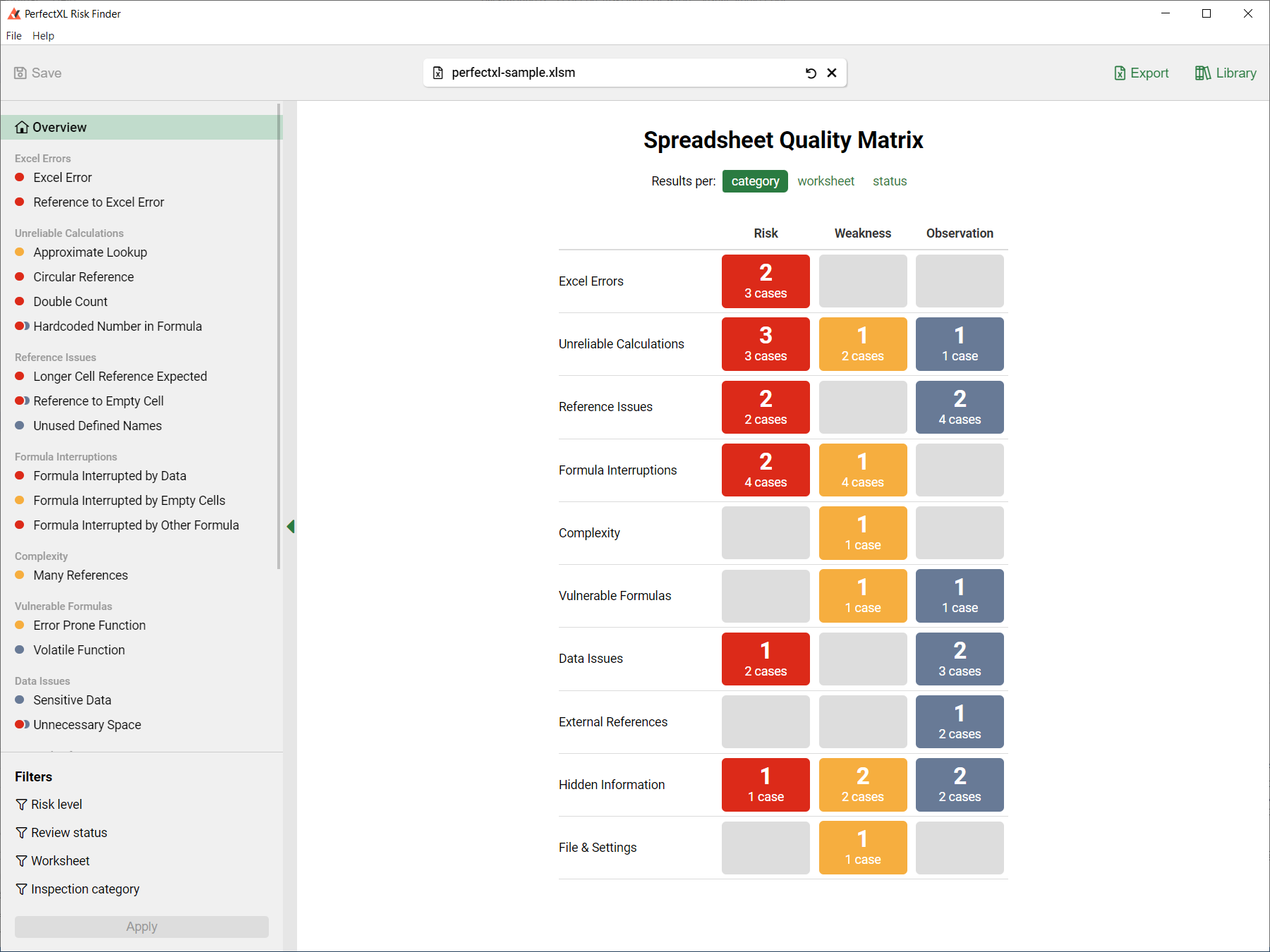
As you develop, PerfectXL marks risky formulas in red and tells you where new weaknesses have crept in. Apply your own rulebook so every model, and every colleague, builds to the same standard.
- Mark all risks in red
- Lit of all risks and improvement points
- My Rulebook
- Highlight unique formulas
Compare versions and document every difference
Compare the previous version with the new one and check you only changed what needed changing: data, formulas, structure and VBA. Export the difference report to Excel and add your own comments for reviewers.
- Interactive comparison
- List of differences between two Excel files
- Visual comparison
- Export a difference report
Use cases: Double-checking changes in a model

Use cases
10 tasks this solves
Other solutions by use case
Find risks & errors
Catch broken references, hardcodes and silent errors before they cost money.
Understand a model
Get a grip on unfamiliar or inherited workbooks in minutes.
Audit & comply
Review, document and prove model quality against accepted standards.
Clean up & hand over
Simplify, speed up and protect models before they change hands.
Work with AI
Use Copilot, Claude and agents on spreadsheets, with full control.
Sources and further reading
- M.M. Lehman, “Programs, Life Cycles, and Laws of Software Evolution” A system in use must keep changing, or its quality steadily declines.
- Hodnigg & Mittermeir, “Metrics-Based Spreadsheet Visualization: Support for Focused Maintenance” (EuSpRIG, 2008) Legacy spreadsheets stay vital but stop being developed; missing knowledge of how they work leads to an explicit “don’t touch it” policy.
- Simon Murphy, “Spreadsheet Hell” (EuSpRIG, 2007) Fear of side effects makes maintainers contort models instead of simplifying them.
- Hermans et al., “Spreadsheets are Code” Spreadsheets as the world’s most successful end-user programming language, and what software engineering can teach them.
- Michael Feathers, “Working Effectively with Legacy Code” Making large changes without tests is like aerial acrobatics without a net.
FAQ
Changing Excel
models, answered
Something else on your mind? Ask a specialist.
PerfectXL lists every dependent of a formula, including those on other worksheets, and shows the complete calculation path. You know exactly what a change will affect before you make it.
Open both versions in PerfectXL. The interactive comparison lists every difference in data, formulas, structure and VBA. Export the difference report to Excel to annotate it or share it with a reviewer.
Yes. Even without a baseline, PerfectXL maps how the model works and lists its risks, so you can locate the problem and repair it quickly.
A formula still points to cells that no longer exist. PerfectXL traces the error back to the exact step where it goes wrong, and shows dependents beforehand so you can avoid it next time.
Yes. Compare the model before and after the AI edit and PerfectXL shows every change, so you can let AI take work off your hands while keeping full control.
Make your next change with confidence
Open the model you’ve been putting off changing. See what depends on what, make the edit, and compare the before and after.